
Dell Display Manager is a Windows application used to manage a monitor or a group of monitors. It allows manual adjustment of the displayed image, assignment of automatic settings, energy management, window organization, image rotation and other features on select Dell models.
Dell Display Manager is a Windows application used to manage a monitor or a group of monitors. It allows manual adjustment of the displayed image, assignment of automatic settings, energy management, window organization, image rotation and other features on select Dell models.
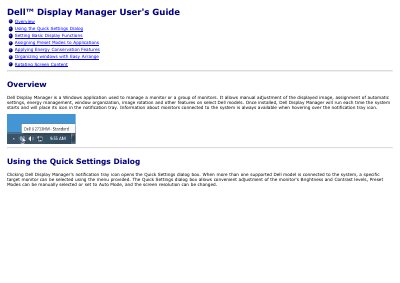
Once installed, Dell Display Manager runs each time the system starts and places its icon in the notification tray. Information about connected monitors is available when hovering over the notification tray icon.
It is a Windows application used to manage a monitor or a group of monitors.
Clicking Dell Display Manager's notification tray icon opens the Quick Settings dialog box.
It allows the selected monitor's desktop to be organized into various predefined or custom window layouts.
When the screensaver activates, the monitor's Brightness can be set to minimum level or the monitor can be put to sleep to save power.