
The Dell Latitude 3380 Quick Start Guide provides instructions on how to connect the power adapter and press the power button, finish operating system setup, connect to a network, and install a SIM card.
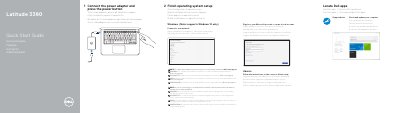
This Quick Start Guide helps you set up the Dell Latitude 3380 laptop. It covers connecting the power adapter, pressing the power button, finishing operating system setup, connecting to a network, signing in to a Microsoft account or creating a local account, and locating Dell apps including SupportAssist.
The guide also lists the computer's features, such as the microphone, camera, USB 3.0 ports, HDMI port, network port, and microSD card reader. It provides support links at Dell.com/support and regulatory information, including regulatory model P80G and regulatory type P80G001.
| Supported operating system | Windows 10 |
|---|
Connect the power adapter and press the power button.
It supports Windows 10 only.
It is available at Dell.com/support.