
The Dell 1130/1130n Printer User Guide provides information on the features and functions of the printer.
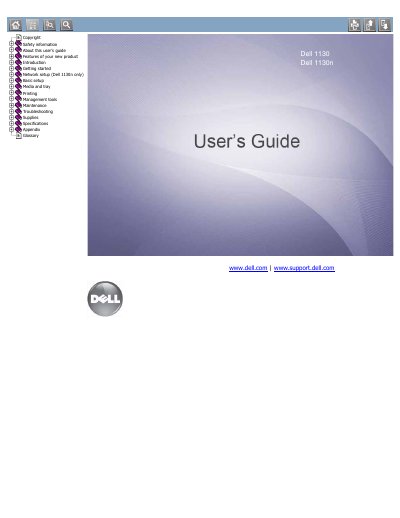
This guide provides step-by-step instructions for setting up and operating the Dell 1130 and 1130n printers. It covers basic setup, network configuration, printing, maintenance, and troubleshooting. Safety precautions are included to prevent injury or damage. The guide also explains how to use the printer’s features, manage supplies, and handle common issues.
The document is designed for users who want to understand and operate the printer effectively. It includes safety warnings, operating instructions, and tips for avoiding jams and damage. The guide assumes basic computer literacy and is primarily written for Windows XP users, though some instructions may apply to other systems.
This user’s guide provides information about basic understanding of the machine as well as detailed explanation on each step during actual usage.
Users can find help for setting up and using the machine from the QuickInstallGuide, User’sGuide, Printer Driver Help, or the Dell website.
Unplug the machine from all interface connections and request assistance from qualified service personnel.