
Dell Display Manager is a Microsoft Windows application used to manage a monitor or a group of monitors. It allows manual adjustment of the displayed image, assignment of automatic settings, energy management, window organization, image rotation, and other features.
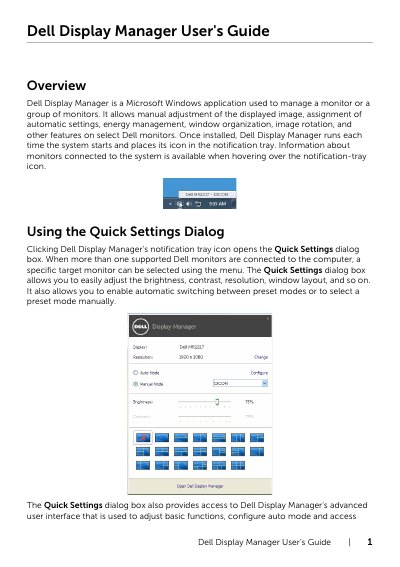
Dell Display Manager is a Microsoft Windows application used to manage a monitor or a group of monitors. It allows manual adjustment of the displayed image, assignment of automatic settings, energy management, window organization, image rotation, and other features on select Dell monitors. Once installed, Dell Display Manager runs each time the system starts and places its icon in the notification tray.
The guide describes the Quick Settings dialog for adjusting brightness, contrast, resolution, and window layout, and for selecting preset modes. It also covers basic display functions, assigning preset modes to applications through Auto Mode, and using Easy Arrange to organize open windows into predefined or custom layouts.
It is a Microsoft Windows application used to manage a monitor or a group of monitors, with features such as image adjustment, energy management, window organization, and image rotation.
Clicking the Dell Display Manager notification tray icon opens the Quick Settings dialog box.
Yes, the Auto Mode tab lets you associate a specific Preset Mode with a specific application and apply it automatically.
On supported Dell monitors, it lets you arrange open windows in predefined layouts by dragging them into zones, or create and save a custom layout.