
Dell Precision 7920 Tower Workstation Quick Start Guide.
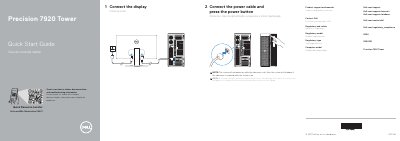
This document serves as a Quick Start Guide for the Dell Precision 7920 Tower workstation, specifically Regulatory Model D04X. It provides essential instructions for initial setup, including connecting the power cable and pressing the power button to start the system. A critical safety note is included, warning that the system will not power on if the side cover is removed and will shut down if the cover is removed while the system is running.
The guide also functions as a visual reference for the device's physical layout. It lists and describes the various ports and features located on the front and rear of the unit, such as USB 3.1 Gen 1 ports, Type-C ports with PowerShare, PS/2 ports, and expansion slots.
| Regulatory Model | D04X |
|---|---|
| Regulatory Type | D04X001 |
| Product Name | Precision 7920 Tower |
| USB Ports | USB 3.1 Gen 1 ports |
| Graphics | Discrete graphics card slot (optional) |
The system will shutdown.
No, the system will not power-on while the side cover is off.