
The Dell Vostro 3578 Quick Start Guide introduces the features and specifications of the product.
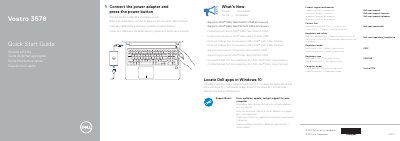
This guide shows how to connect the power adapter and press the power button to start the Dell Vostro 3578. It also identifies the laptop's external features, including ports, camera, touchpad, speakers, and optional fingerprint reader.
The guide lists supported Intel Kaby Lake Celeron UMA and Pentium UMA processors and points to Dell support, manuals, Windows 10 app locations, and regulatory information.
| Processor support | Intel Kaby Lake Celeron UMA and Pentium UMA processors |
|---|---|
| USB ports | USB 2.0 port and USB 3.1 Gen 1 ports |
| Video ports | HDMI port and VGA port |
| Optional feature | Fingerprint reader (optional) |
The guide lists Dell.com/support and Dell.com/support/manuals.
The guide points to Dell.com/contactdell.
It supports Intel Kaby Lake Celeron UMA and Pentium UMA processors.
A fingerprint reader is listed as optional.