
Dell Latitude 5580 Quick Start Guide
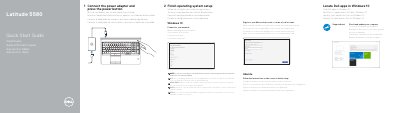
The Dell Latitude 5580 Quick Start Guide provides initial setup steps in several languages, including connecting the power adapter, pressing the power button, and completing operating system setup for Windows 10 or Ubuntu.
The guide also lists system features such as ports, cameras, card readers, and the service tag label, and includes Dell support links plus regulatory details for computer model Latitude 15-5580.
| Computer model | Latitude 15-5580 |
|---|---|
| Regulatory model | P60F |
| Input voltage | 100 V AC–240 V AC |
Connect the power adapter and press the power button.
Enter the password for the wireless network access when prompted.
Go to Dell.com/support and Dell.com/support/manuals.