
Dell Latitude 15 3000 Series Quick Start Guide
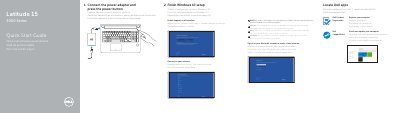
This quick start guide helps set up a Dell Latitude 15 3000 Series computer, with steps for connecting power, completing Windows 10 setup, enabling support and protection, connecting to a network, signing in, locating Dell apps, registering the computer, and running SupportAssist.
It also provides a numbered diagram identifying the computer's features, including camera, ports, touchpad, battery, and service tag, plus support, manual, and regulatory information. Text is provided in English, Polish, Romanian, and Slovenian.
| Computer model | Latitude 15-3570 |
|---|---|
| USB 3.0 connectors | 2 |
| Fingerprint reader | Optional |
| Power button | No LED indicator |
Connect the power adapter and press the power button.
Latitude 15-3570.
A fingerprint reader is optional.