
The Latitude 15 3000 Series Quick Start Guide provides instructions on how to connect the power adapter, finish Windows 10 setup, enable support and protection, and connect to a network.
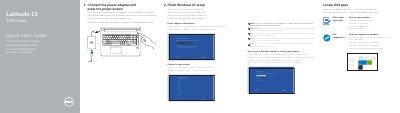
This guide shows how to connect the power adapter, press the power button, and finish Windows 10 setup, including network connection, account sign-in, Dell apps, product registration, and SupportAssist updates.
It also identifies the laptop's external features and connectors, such as the camera, USB ports, HDMI connector, network connector, power connector, battery, touchpad, and optional fingerprint reader, and lists Dell support, manual, regulatory, and model information.
| USB 2.0 connector | 1 |
|---|---|
| USB 3.0 connectors | 2 |
| HDMI connector | 1 |
| VGA connector | 1 |
| Fingerprint reader | Optional |
| Power button LED indicator | None |
It has two USB 3.0 connectors.
No, the power button has no LED indicator.
No, the fingerprint reader is optional.