
Dell S2421HS/S2421HSX and S2721HS/S2721HSX Monitor Service Manual

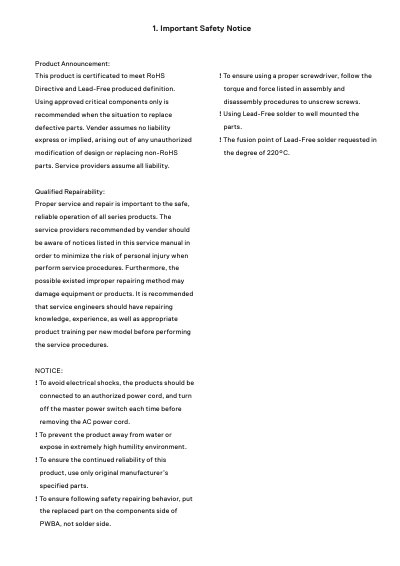
This product complies with the RoHS Directive and is produced lead-free.

Dell S2421HS/S2421HSX and S2721HS/S2721HSX Monitor Service Manual - cover page
Brand
DELL
Category
Monitors
Document type
Service Manual
Language
English
Pages
13
File format
PDF
File size
9.9 MB
Published
24 November, 2023
Updated
24 November, 2023
MD5 checksum
8A73FFE29C78D745139DB39489F2B931

About this manual

This service manual covers safety notices, exploded views, wiring connectivity, disassembly and assembly procedures, and troubleshooting for Dell monitors. It includes self-test steps, common problem solutions, screw sizes and torque values, and repair precautions such as using original parts and lead-free solder.

What's inside

  • Important Safety Notice
  • Exploded view diagram with list of items
  • Wiring Connectivity Diagram
  • Disassembly and Assembly Procedures
  • Trouble Shooting Instructions
  • Self-test
  • Common problems

Specifications

Panel resolution1920 x 1080
Video inputsHDMI and DisplayPort
Lead-free solder fusion point220°C

Frequently asked questions

How do I run the monitor self-test?

Turn off the computer and monitor, unplug the video cable, turn on the monitor, and check the floating dialog box.

What should I do if the monitor screen stays blank after self-test?

Check the video controller and computer, because the monitor is functioning properly.

What does a permanently off pixel indicate?

It is a natural defect that can occur in LCD technology.

What should I do if I see smoke or sparks?

Do not perform any troubleshooting steps and contact Dell immediately.

Download PDF (9.9 MB)

More DELL Manuals


View all DELL manuals →