
Instructions for setting up a Dell computer
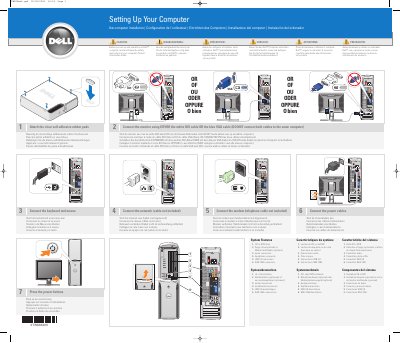
Setting Up Your Computer is a multilingual setup guide for a Dell computer. It shows how to connect the monitor, keyboard, mouse, network, modem, and power cables, and lists system features such as a CD or DVD drive, optional floppy drive or Media Card Reader, audio and headphone connectors, USB 2.0 connectors, and IEEE 1394 connectors.
It also describes an optional wireless network setup and steps for an optional remote control and Media Center operating system. The guide directs users to the Owner's Manual and Help and Support for more information.
| Monitor connection | DVI or VGA, not both |
|---|---|
| Wireless network | Optional |
| Remote control sensor | Optional |
| Media Center operating system | Optional |
Connect it using either the white DVI cable or the blue VGA cable, but not both.
No, the wireless network setup is optional.
See the Owner's Manual; if no printed copy is available, view it online from the desktop icon, or use Start > Help and Support for other device documentation.