
Inspiron 15 7000 Series Quick Start Guide
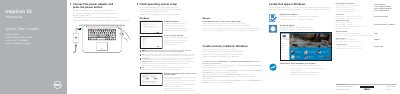
This guide helps you set up your Dell Inspiron 7548 laptop. Connect the power adapter and press the power button to start. Follow on-screen instructions to complete operating system setup. Configure your network, sign in to your Microsoft or local account, and enable Dell updates. The guide also details port locations and shortcut keys for basic operations.
The guide includes multilingual instructions for connecting to a secured wireless network, creating recovery media, and using system features like volume control and display switching.
Enter the password for the wireless network access when prompted.
In Windows search, type Recovery, click Create a recovery media, and follow the instructions on the screen.
Ports include HDMI, USB 3.0 with PowerShare, USB 2.0, headphone jack, media card reader, and security cable slot.