
Dell Latitude 5290 2-in-1 Quick Start Guide.
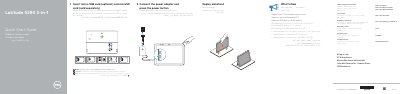
This guide helps you set up your Dell Latitude 5290 2-in-1 laptop. Connect the power adapter and press the power button to start. Insert optional micro-SIM and microSD cards. The device supports Intel 7th and 8th Gen processors, Thunderbolt 3, and 16GB memory at 2133 MHz.
Features include front and rear cameras, IR camera and emitter (optional), fingerprint reader (optional), NFC (optional), and DisplayPort over USB-C/Thunderbolt 3 (optional).
| Processor Support | Intel 7th and 8th Gen |
|---|---|
| Memory Support | 16GB at 2133 MHz |
| Optional Connectivity | Thunderbolt™ 3 |
Connect the power adapter and press the power button.
The device supports 2133 MHz on 16 GB memory.
Yes, it supports optional Thunderbolt™ 3.