
Dell computer user manual summary: The model of Dell computer is W06B, the input voltage is 100-240 VAC, the input current is 1.80 A, and the input frequency is 50-60 Hz.
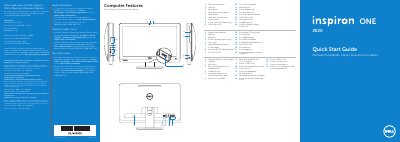
This Dell Quick Start Guide covers the Inspiron One 2020 computer. It identifies the computer model as Inspiron One 2020, regulatory model W06B, and type W06B001, and is published by Dell Inc. in 2012.
The guide shows computer features such as the camera, optical drive, USB ports, network port, and media card reader. It also provides setup steps for connecting the power cable, keyboard, and mouse, completing Windows setup, and locating the Service Tag. This manual is written in Spanish.
| Computer model | Inspiron One 2020 |
|---|---|
| Regulatory model | W06B |
| Type | W06B001 |
| Input voltage | 100-240 VAC |
| Input current | 1.80 A |
| Input frequency | 50–60 Hz |
The computer model is Inspiron One 2020.
The regulatory model number is W06B.
The input voltage is 100-240 VAC.
Users can go to support.dell.com/manuals or click Start → All Programs → Dell Help Documentation.