
The Dell Latitude 14 5000 Series Notebook Quick Start Guide.
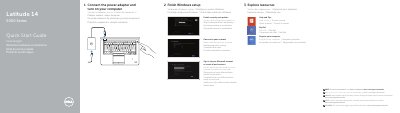
This document serves as a multilingual Quick Start Guide for the Dell Latitude 14 5000 Series notebook. It provides step-by-step instructions for initial setup, including connecting the power adapter, turning on the computer, finishing the Windows setup, enabling security and updates, connecting to a network, and signing in to a Microsoft account or creating a local one. The guide also directs users to the Owner's Manual for further information.
Connect the power adapter and turn on your computer.
Finish Windows setup.
A contactless smart-card reader is listed as optional.
A dock connector is listed as optional.