
Dell™ 1908FP-BLK Flat Panel Color Monitor User's Guide
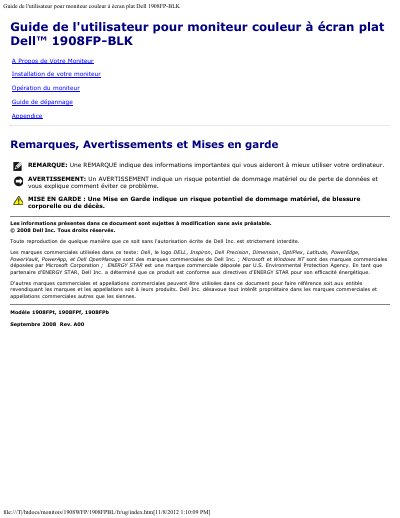
This Dell user guide covers the 1908FP-BLK flat panel color monitor, including product introduction, installation, operation, troubleshooting, and appendices. It applies to models 1908FPt, 1908FPf, and 1908FPb and is written in French.
The document describes box contents, product features, front and rear controls, monitor specifications, preset display modes, power management, and VGA connector pin assignments.
| Screen size | 19 inches |
|---|---|
| Optimal resolution | 1280 x 1024 at 60 Hz |
| Contrast ratio | 800 to 1 (typ) |
| Response time | 5 ms typical |
| Pixel pitch | 0.294 mm |
| Input voltage | 100 to 240 VAC |
| Normal power consumption | 30 W typical / 60 W maximum |
The optimal preset resolution is 1280 x 1024 at 60 Hz.
Normal operation consumes 30 W typical or 60 W maximum; Active-Off uses less than 2 W and Off uses less than 1 W.
The monitor has a 19-inch visible display area measured diagonally.