
Dell W2600 26-inch LCD TV User's Manual
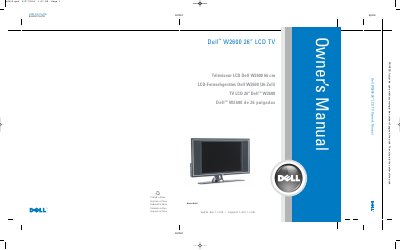
This Dell W2600 26-inch LCD TV Owner’s Manual describes the television’s front, side, and bottom panels, package contents, and basic care. It explains where to place the TV and how to connect video devices, antennas, cable, and computers.
The manual also covers remote control installation and use, on-screen display menus, picture and sound settings, PIP/POP/PBP, teletext, auto shutoff, card reader, and troubleshooting for general, remote, and PC monitor issues. This manual is written in Spanish.
| Composite video output | 1 (bottom) |
|---|---|
| Audio output | RCA left and right pair |
| Headphone jack | 1 (side) |
| Sound effects | SRS TruSurround XT |
| Built-in speakers | 15 W per channel, 30 W total |
The light is blue when the TV is on and amber in power-saving mode.
Connect a computer to the VGA connector to use the TV as a monitor.
It supports SRS TruSurround XT sound effects and a night mode.