
The Dell™ Inspiron™ One 19 Service Manual provides information on how to use and maintain your Dell™ Inspiron™ One 19 computer.
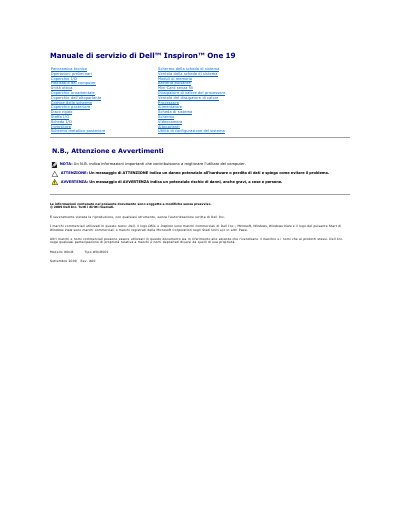
This Dell service manual covers the Inspiron One 19 computer, model W01B (type W01B001), published in September 2009 as revision A00. It provides removal and reinstallation procedures for internal hardware components.
Covered topics include the decorative cover, rear cover, optical drive, hard drive, memory modules, processor, system board, and other parts. Safety instructions address electrostatic discharge, qualified technician requirements, and proper system shutdown. This manual is written in Italian.
Only a qualified service technician should perform repairs on the computer.
Read the safety information provided with the computer before working on internal components.
Ten screws secure the rear cover to the chassis.
A small Phillips screwdriver is recommended.