
This document is a quick start guide for Dell computers, which introduces how to finish Windows setup, connect to network and protect computer.
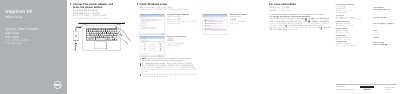
This document serves as a Quick Start Guide for the Dell Inspiron 14 3000 Series laptop. It outlines the initial steps required to set up the device, such as finishing Windows setup, connecting the power adapter, and establishing a network connection. It also directs users to Dell Help Documentation for advanced options.
Connect the power adapter and press the power button.
Click Start, then All Programs, then Dell Help Documentation.
You must enter the password for the wireless network access when prompted.