
Guide to setting up a Dell computer.
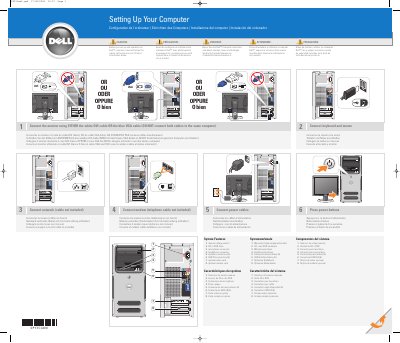
This document serves as a setup guide for the Dell 0PY351A00 computer. It provides multilingual instructions (English, French, German, Italian, Spanish) for connecting essential peripherals such as the keyboard, mouse, monitor, network cable, and modem. It also details the connection of power cables and the optional remote control sensor.
| Voltage Switch | manual voltage switch |
|---|---|
| CD/DVD Drive | CD or DVD drive |
| Microphone Connector | microphone connector |
| Headphone Connector | headphone connector |
| Speaker Connectors | speaker connectors (6) |
| USB 2.0 Connectors | USB 2.0 connectors (6) |
| Video Card | optional video card |
| Modem Card | optional modem card |
You must use either the white DVI cable or the blue VGA cable, but not both simultaneously.
You should consult the Owner's Manual for more information about using the computer.