
The Dell Vostro 3478 Quick Start Guide introduces the features and specifications of the product.
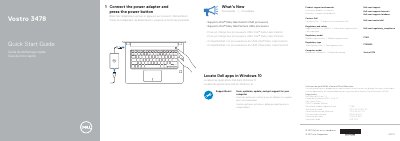
This document is the Quick Start Guide for the Dell Vostro 3478 laptop. It provides instructions on connecting the power adapter and pressing the power button to start the device. It also lists the new features supported by this model, including Intel Kaby Lake Celeron and Pentium UMA processors.
| Processor Support | Intel Kaby Lake Celeron UMA processors |
|---|---|
| Processor Support | Intel Kaby Lake Pentium UMA processors |
| Input Voltage | 100 V AC–240 V AC |
| Input Frequency | 50 Hz–60 Hz |
| Output Voltage | 19.5 V DC |
| Ports | USB 3.1 Gen 1 ports |
| Ports | HDMI port |
| Ports | VGA port |
The Vostro 3478 supports Intel Kaby Lake Celeron and Pentium UMA processors.
Connect the power adapter and press the power button.