
The Dell Vostro 3578 Quick Start Guide provides information on how to use the Dell Vostro 3578 laptop.
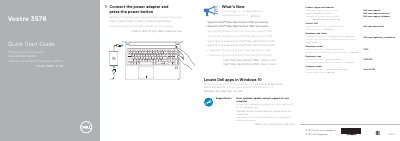
This document serves as a Quick Start Guide for the Dell Vostro 3578 laptop. It outlines the initial steps to set up the device, which include connecting the power adapter and pressing the power button. The guide also directs users to Dell's support website for further assistance and regulatory information.
| Processor Support | Intel Kaby Lake Celeron UMA processors |
|---|---|
| Processor Support | Intel Kaby Lake Pentium UMA processors |
| Video Ports | HDMI and VGA |
| Network | Network port |
| Optical Drive | Optical drive |
| Fingerprint Reader | Optional |
Connect the power adapter and press the power button.
Visit Dell.com/support or Dell.com/support/manuals.
Yes, the fingerprint reader is an optional feature.