
The Dell Latitude 15 3580 3000 Series Quick Start Guide provides information on how to set up and use the Dell Latitude 15 3580 3000 Series laptop.
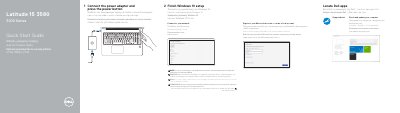
This quick start guide helps set up a Dell Latitude 15 3580 3000 Series computer, with steps such as connecting power, finishing Windows 10 setup, connecting to a network, and signing in to or creating an account. It also identifies the computer's features and ports and provides Dell support, manual, and regulatory information.
The guide presents the same setup steps and feature labels in English, Greek, Portuguese, Russian, and Hebrew. It lists optional items such as the SIM-card slot and fingerprint reader, touch-version-only items such as the infrared camera and microphones, and support addresses including Dell.com/support and Dell.com/support/manuals.
| Computer model | Latitude 15-3580 |
|---|---|
| Regulatory type | P79G002 |
Enter the password for the wireless network access when prompted.
Sign in to a Microsoft account or create a local account.
The guide lists Dell.com/support, Dell.com/support/manuals, and Dell.com/support/windows.
The SIM-card slot is optional.