
The Dell Latitude 14 7000 Series Quick Start Guide provides information on connecting the power adapter and turning on your computer, finishing Windows setup, locating Dell apps, registering your device, Dell Backup and Recovery (optional), My Dell, learning how to use Windows, and enabling security and updates.
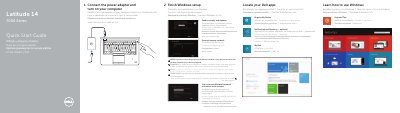
This quick start guide covers initial setup for the Dell Latitude 14 7000 Series (Latitude 7450/E7450) computer, including connecting the power adapter, finishing Windows setup, locating Dell apps, registering the device, and connecting to a network.
It also identifies the computer's external features and controls, notes optional components such as fingerprint and smart-card readers, and provides product support, contact, and regulatory information.
| Computer model | Latitude 7450/E7450 |
|---|---|
| Regulatory type | P40G002 |
The guide lists product support at dell.com/support and manuals at dell.com/support/manuals.
The guide directs users to dell.com/contactdell.
It covers the Latitude 7450/E7450 computer model.
The regulatory model is P40G and the regulatory type is P40G002.