
Dell OptiPlex 330 Mini-Tower Desktop User's Guide

The Dell™ OptiPlex™ 330 Mini Tower Chassis Desktop User's Guide provides information about how to use and manage your Dell™ OptiPlex™ 330 Mini Tower Chassis Desktop.
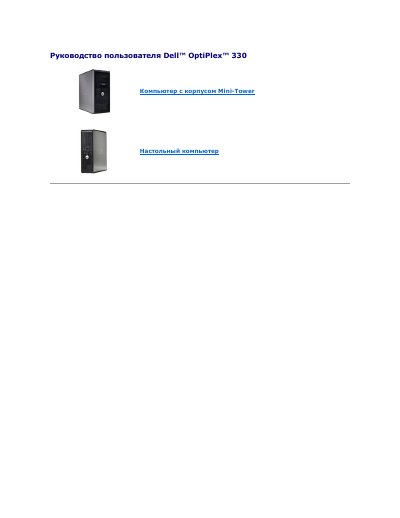

Dell OptiPlex 330 Mini-Tower Desktop User's Guide - cover page
Brand
DELL
Category
Desktops
Document type
User Manual
Language
Russian
Pages
152
File format
PDF
File size
4.1 MB
Published
22 November, 2023
Updated
22 November, 2023
MD5 checksum
9F7A6E4709FBC9D158AD6E2119E3E661

About this manual

This document serves as the user guide for the Dell OptiPlex 330 Mini-Tower desktop computer. It details the system's management capabilities, specifically the LegacySelect technology which allows administrators to remotely enable or disable legacy ports and devices via Dell OpenManage IT Assistant. The guide also covers power management features, including sleep, standby, and hibernation modes compatible with Windows XP and Vista. This manual is written in Russian.

What's inside

  • Advanced Features
  • LegacySelect Technology
  • Dell OpenManage IT Assistant
  • Power Management
  • System Sleep Modes
  • Component Installation
  • Safety Precautions

Frequently asked questions

What are the FCC model numbers listed for this device?

DCSM and DCNE.

Download PDF (4.1 MB)

More DELL Manuals


View all DELL manuals →