
Dell Precision 5820 Tower Quick Start Guide

Dell Precision 5820 Tower Quick Start Guide
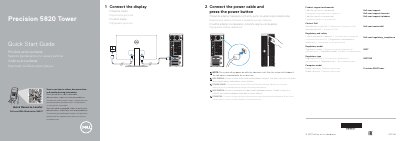

Dell Precision 5820 Tower Quick Start Guide - cover page
Brand
DELL
Category
Desktops
Document type
Quick Start Guide
Language
English
Pages
2
File format
PDF
File size
401 KB
Published
22 November, 2023
Updated
22 November, 2023
MD5 checksum
7E6D71306AD81310FFB7C83984CFAF3C

About this manual

This document serves as a multilingual Quick Start Guide for the Dell Precision 5820 Tower workstation. It provides instructions for connecting the display and power cable, along with safety warnings regarding the side cover. The guide also directs users to Dell's support website for further assistance.

What's inside

  • Connect the display
  • Connect the power cable
  • System safety warnings
  • Product support
  • Regulatory compliance
  • Features

Specifications

Copyright Year2017
USB PortsUSB 3.1 Gen 1
GraphicsDiscrete graphics card slot (optional)

Frequently asked questions

What happens if the side cover is removed while the system is on?

The system will shutdown.

Can the system power on while the side cover is off?

No, the system will not power-on while the side cover is off.

Download PDF (401 KB)

More DELL Manuals


View all DELL manuals →