
The Dell Latitude 5580 Quick Start Guide provides information on how to set up and use the Dell Latitude 5580 laptop.
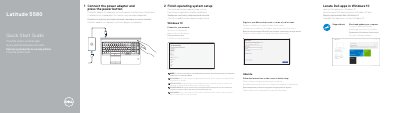
This document serves as a Quick Start Guide for the Dell Latitude 5580 laptop. It outlines the initial steps required to get the device operational, such as connecting the power adapter, pressing the power button, and completing the operating system setup for Windows 10, Ubuntu, or other supported environments. The guide also explains how to connect to a network and sign in to a Microsoft account.
Connect the power adapter and press the power button, then finish operating system setup.
You must enter the password for the wireless network access when prompted.
Follow the instructions on the screen to finish setup.