
Dell™ OptiPlex™ 960 Microtower, Desktop, and Small Form Factor Service Manual
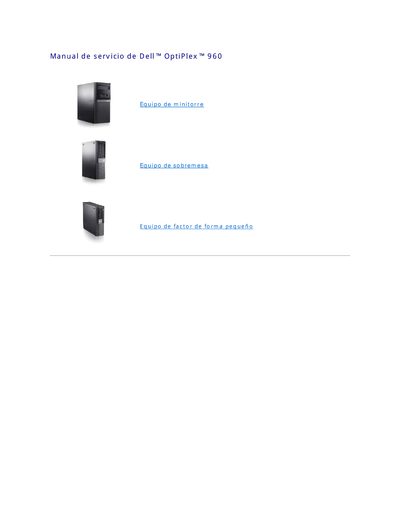
This Spanish-language service manual applies to Dell OptiPlex 960 systems in microtower, desktop, and small form factor configurations. It covers system battery replacement, an interior view of the computer, and how to contact Dell.
It also describes PCI and PCIe card installation and removal, including safety precautions, card release, and securing the card in its connector. This manual is written in Spanish.
| PCIe x16 slots | One low-profile |
|---|---|
| PCI slots | Two low-profile |
| PCIe x1 slots | One low-profile |
| Internal wireless card connector | One |
It may need replacement when an incorrect date or time appears during startup with the listed configuration messages.
Go to support.dell.com, check your country or region, click Contact Us, select the needed service or support link, and choose a contact method.
Read the supplied safety information and discharge static electricity from your body before touching electronic components.
Carry out the before-working procedure, release the card retention, insert the card fully into the connector, and secure the retention tab.