
Dell Display Manager is a Windows application used to manage a monitor or a group of monitors.
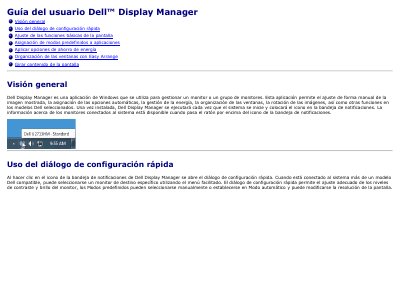
Dell Display Manager is a Windows application designed to manage one or a group of Dell monitors. Once installed, it runs at system startup and provides access to various features through a notification tray icon. The software allows users to manually adjust image settings, assign predefined modes to applications, manage energy-saving options, organize windows, and rotate screen content on compatible models. This manual is written in Spanish.
Dell Display Manager is a Windows application used to manage a monitor or a group of monitors.
The dialog allows you to adjust contrast and brightness levels, select predefined modes, and modify the screen resolution.
You can measure and position up to a maximum of 10 windows on the desktop to create a custom layout.