
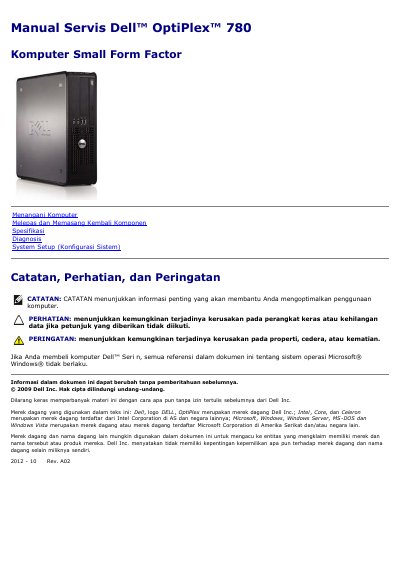
The Dell™ OptiPlex™ 780 Small Form Factor Computer Service Manual provides information on how to remove and replace computer components, and how to diagnose system problems.
This service manual provides instructions for handling the Dell OptiPlex 780 Small Form Factor computer. It details the necessary safety precautions, such as using an antistatic wrist strap and ensuring the computer is powered off, before removing or installing internal components like the memory, hard drive, and processor. The document outlines the recommended tools, including a small Phillips screwdriver and a plastic pry tool, and describes the steps for powering down the system and discharging static electricity.
| Processor Type | Intel Core 2 Duo; FSB hingga 1333 MHz |
|---|---|
| Memory Type | DDR3 SDRAM (hanya memori non-ECC) |
| Maximum Memory Capacity | 16 GB |
| Network Interface | 10/100/1000 Mb/d |
| Chipset | Intel Q45 Express dengan ICH10DO |
The manual requires a small minus screwdriver, a Phillips screwdriver, a small plastic pry tool, and a BIOS Flash update program.
Touch an unpainted metal surface, such as the back of the computer, periodically to eliminate static electricity.