
The Dell Laser Printer 1110 is a compact, reliable printer that is perfect for home or small office use. It features:
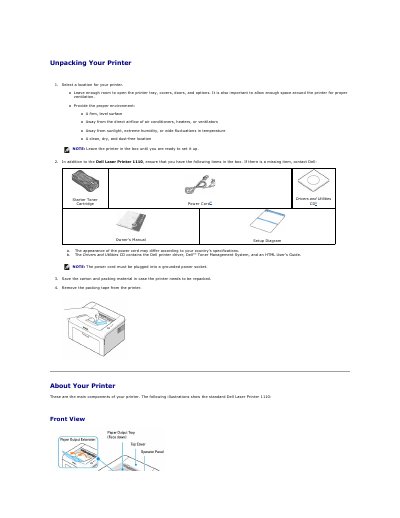
The manual explains how to unpack and set up the Dell Laser Printer 1110, including installing the starter toner cartridge, loading paper, connecting a USB cable, powering on the printer, and printing a demo page.
It also describes operator panel functions, cleaning and maintenance, toner storage, redistribution and replacement, ordering supplies, and where to find drivers, documentation, and support information.
| Paper tray capacity | Up to 150 sheets of plain paper |
|---|---|
| Starter toner cartridge life | Approximately 1,000 pages at 5% coverage |
| Standard toner cartridge life | 2,000 pages at 5% coverage |
| USB cable requirement | USB 1.1 compliant cable, 3 m or less |
| Operator panel | Two LEDs and one button |
The paper tray holds up to 150 sheets of plain paper.
In Ready mode, press and hold the operator panel button for 2 seconds until both LEDs blink slowly, then release.
Store it in its original packaging and avoid temperatures greater than 40°C (104°F), direct sunlight, dusty places, and extreme humidity or temperature changes.
Remove the cartridge and shake it from side to side 5 or 6 times to redistribute the toner.