
Dell Latitude D420 User's Guide

The Dell™ Latitude™ D420 User's Guide provides information on using the Dell™ Latitude™ D420 notebook computer.
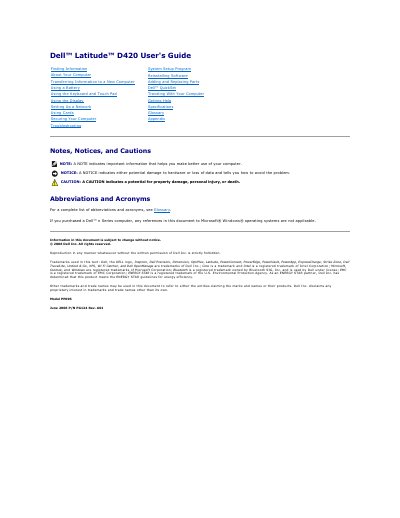

Dell Latitude D420 User's Guide - cover page
Brand
DELL
Category
Laptops
Document type
User Manual
Language
English
Pages
98
File format
PDF
File size
1.9 MB
Published
20 November, 2023
Updated
20 November, 2023
Model
D420
MD5 checksum
F79CDB51A1AA89574819FD8C8568B7A8

About this manual

The Dell Latitude D420 User's Guide describes the computer's front, left, right, back, and bottom views, status lights, connectors, battery, keyboard, touch pad, and display. It also covers software reinstallation, information transfer, adding and replacing parts, security, network setup, specifications, and troubleshooting.

What's inside

  • About Your Computer
  • System Setup Program
  • Reinstalling Software
  • Adding and Replacing Parts
  • Using a Battery
  • Using the Keyboard and Touch Pad
  • Setting Up a Network
  • Specifications
  • Securing Your Computer
  • Troubleshooting

Specifications

Model numberPP09S

Frequently asked questions

What should I do if the computer stops responding?

Press and hold the power button until the computer turns off completely.

What does a solid green battery light mean when the computer is connected to an electrical outlet?

The battery is charging.

Can the Latitude D420 use D-Family D/Port and D/Dock docking devices?

Yes, it is compatible with them, but the 1394 port cannot be used with those devices.

How should I disconnect the AC adapter cable to avoid damage?

Grasp the connector, not the cable itself, and pull firmly but gently.

Download PDF (1.9 MB)

More DELL Manuals


View all DELL manuals →