
The Dell Precision Mobile Workstation 7000 Series Quick Start Guide describes how to connect the power adapter, finish operating system setup, enable security and updates, and connect to a network.
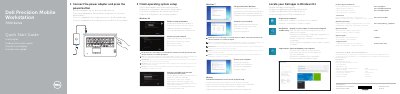
This guide outlines the initial setup steps for a Dell Precision Mobile Workstation 7000 Series, including connecting the power adapter, completing operating system setup, enabling security and updates, connecting to a network, and signing in to a Microsoft account or creating a local account.
It also identifies workstation features and ports, lists Dell apps and support resources, and provides regulatory and safety information, including the listed computer model Dell Precision -7710.
| Computer model | Dell Precision -7710 |
|---|---|
| Regulatory model | P29E |
| Input voltage | 100 V CA–240 V CA |
| Input current (maximum) | 3,5 A |
| Input frequency | 50 Hz–60 Hz |
See the Owner’s Manual at dell.com/support/manuals.
Dell Precision -7710.
P29E.
100 V CA–240 V CA.