
The Dell Latitude 13 7000 Series Notebook Quick Start Guide.
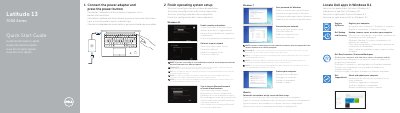
This Dell Latitude 13 7000 Series notebook quick start guide covers first-time setup for Windows 8.1, Windows 7, and Ubuntu. It also identifies the notebook's external features and ports.
The guide points to Dell support and manuals, device registration, backup and recovery, data protection, SupportAssist, and regulatory and safety information. The computer model listed is Latitude 7370.
| USB Type-C connectors | 2 |
|---|
Connect the power adapter and press the power button, then finish operating system setup.
Use the product support and manuals links, including Dell.com/support and Dell.com/support/manuals.
The fingerprint reader, contactless card reader, smartcard reader, and micro SIM card reader are optional.
Follow the instructions on the screen to finish setup.