
The Dell Latitude 7390 Quick Start Guide introduces the features and specifications of the product.
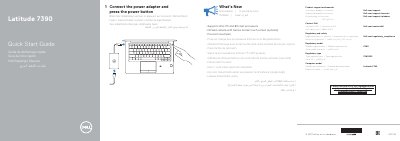
This two-page quick start guide for the Dell Latitude 7390 shows how to connect the power adapter and press the power button. It also lists product support and manual resources, regulatory information, and what is new.
The guide includes a labeled features diagram identifying the camera, microphones, power button, ports, touchpad, speakers, and optional items such as the infrared camera, fingerprint reader, NFC sensor, and smartcard reader.
| Regulatory type | P28S002 |
|---|---|
| Computer model | Latitude 7390 |
| Processor support | Intel 7th and 8th Gen processors |
| Infrared camera | Optional, with narrow border touch screen |
| Touchpad | Precision touchpad |
It supports Intel 7th and 8th Gen processors.
No, the infrared camera is optional.
It is item 26 in the features diagram.