
The Dell™ Latitude™ D505 Service Manual provides information on how to use and maintain the Latitude™ D505 notebook computer.
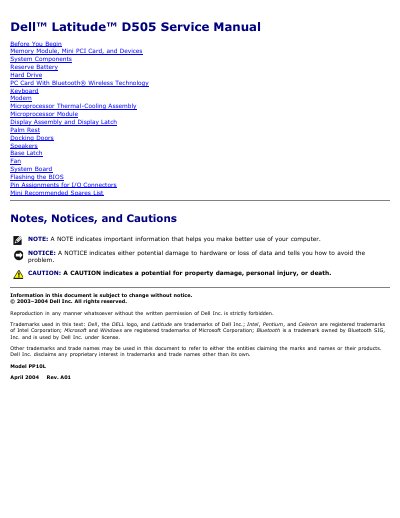
The Dell Latitude D505 Service Manual provides detailed instructions for certified service technicians to repair and maintain the laptop. It includes safety precautions, required tools, screw identification, and step-by-step procedures for removing and replacing components such as memory modules, Mini PCI cards, hard drives, keyboard, modem, microprocessor thermal-cooling assembly, display assembly, palm rest, speakers, fan, system board, and BIOS flashing.
The manual also contains pin assignments for I/O connectors and a recommended spares list with part numbers for bottom base parts, CD/DVD drives, fan, floppy drive, hard drives, keyboards, LCD display assemblies, memory modules, modems, power sources, processors, speakers, thermal-cooling assemblies, and wireless cards.
| Memory Module Capacities | 128 MB, 256 MB, 512 MB, 1 GB |
|---|---|
| Primary Battery | 12.6 V, 6 cell |
| AC Adapter Options | 65 W, 90 W |
| Supported Processors | Intel Pentium M 1.4–1.7 GHz, Intel Celeron 1.2–1.4 GHz |
The procedures require a #1 Phillips screwdriver, a ¼-inch flat-blade screwdriver, a small plastic scribe, and a Flash BIOS update program floppy disk or CD.
The primary battery is rated at 12.6 V and has 6 cells.