
Dell Latitude C840 Service Manual

Dell™ Latitude™ C840 Service Manual
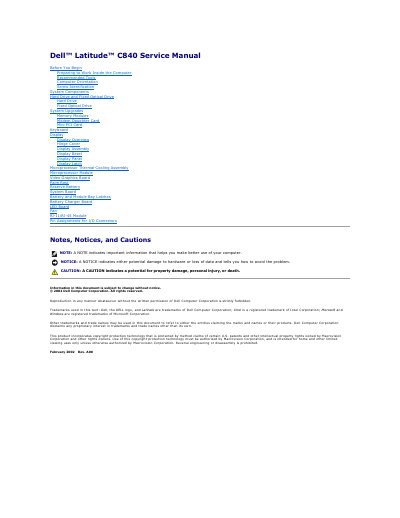

Dell Latitude C840 Service Manual - cover page
Brand
DELL
Category
Laptops
Document type
Service Manual
Language
English
Pages
1
File format
PDF
File size
1.6 MB
Published
19 November, 2023
Updated
19 November, 2023
Model
C840
MD5 checksum
42A6C1599505561F1D7F3297A8996173

About this manual

This service manual covers internal service and upgrade procedures for the Dell Latitude C840 notebook computer. Its contents include recommended tools, component identification, system upgrades, and replacement procedures for parts such as the hard drive, display, keyboard, microprocessor, and system board.

The document also defines NOTE, NOTICE, and CAUTION labels used throughout the manual.

What's inside

  • Before You Begin
  • Preparing to Work Inside the Computer
  • Recommended Tools
  • Computer Orientation
  • Screw Identification
  • System Components
  • Hard Drive and Fixed Optical Drive
  • System Upgrades
  • Keyboard
  • Display

Frequently asked questions

What does a NOTE indicate?

A NOTE indicates important information that helps you make better use of your computer.

What does a NOTICE indicate?

A NOTICE indicates either potential damage to hardware or loss of data and tells you how to avoid the problem.

What does a CAUTION indicate?

A CAUTION indicates a potential for property damage, personal injury, or death.

Download PDF (1.6 MB)

More DELL Manuals


View all DELL manuals →