
Dell Inspiron Tablet User's Guide, Model: P08T.
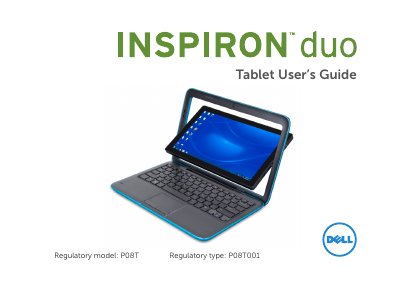
This guide is for the Dell Inspiron duo notebook, regulatory model P08T, which can also be used as a tablet. It explains how to set up tablet mode, use the touch screen and on-screen keyboard, and work with the duo Stage interface.
The guide also covers duo Stage applications such as Music, Photo, Video, Books, Paint, Games, and Internet, plus troubleshooting for touch screen, power, wireless network, and duo Stage problems.
| Regulatory model | P08T |
|---|---|
| Regulatory type | P08T001 |
Open the display, push the display panel from the top and rotate it 180 degrees clockwise, then close the display; the duo Stage interface activates automatically.
The touch screen supports pinch to zoom, press-and-hold for context menus, and flicking to flip through content.
The computer may be off, in hibernate mode, or not receiving power; press the power button, reseat the AC adapter, and check the electrical outlet.
Check that the wireless router is powered and connected, wireless is enabled on the tablet, and try moving the computer closer to the router.