
The Dell Inspiron 15-5552 laptop features an Intel Core i7-7500U processor, 8GB of memory, a 1TB hard drive, a 15.6-inch display, and weighs 4.2 pounds.
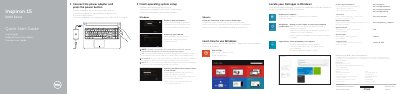
This Dell Quick Start Guide helps set up the Inspiron 15-5552 laptop. It covers connecting the power adapter, pressing the power button, finishing operating system setup for Windows or Ubuntu, enabling security and updates, connecting to a network, and signing in to a Microsoft account or creating a local account.
The guide also identifies features such as the microphone, camera, HDMI port, USB ports, media card reader, optical drive, power button, and battery. It lists shortcut keys for audio, volume, playback, display, wireless, sleep, and Fn-key lock functions.
| Input voltage | 100 V AC–240 V AC |
|---|---|
| Frequency | 50 Hz–60 Hz |
| Output voltage | 19.50 V DC |
| Country of origin | Made in China |
Connect the power adapter and press the power button.
Follow the instructions on the screen to finish setup.
The computer has two USB 2.0 ports.