
Dell Inspiron 15-5559 Laptop Quick Start Guide
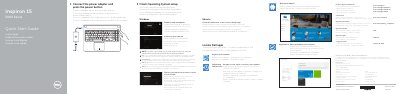
This quick start guide provides basic setup instructions for the Dell Inspiron 15-5559 laptop in multiple languages, including English, Dutch, French, Portuguese, and Spanish. It covers initial steps such as connecting the power adapter, pressing the power button, and finishing the operating system setup.
The document also features a detailed hardware map illustrating port locations, camera, microphone, and battery indicators, along with a list of keyboard shortcut keys and regulatory compliance details.
| Input voltage | 100 V AC - 240 V AC |
|---|---|
| Input frequency | 50 Hz - 60 Hz |
| Output voltage | 19.50 V DC |
| Output current | 2.31 A / 3.34 A |
| Input current | 1.30 A / 1.60 A / 1.70 A |
Connect the power adapter and press the power button to start the device.
Connect the power adapter and press the power button.
Enter the password for the wireless network access when prompted.
100 V CA–240 V CA.