
ASUS S2 Series LED Projector User Manual

The document presents the copyright and warranty information of the LED projector E-Manual S2 Series 2 LED projector E-Manual.
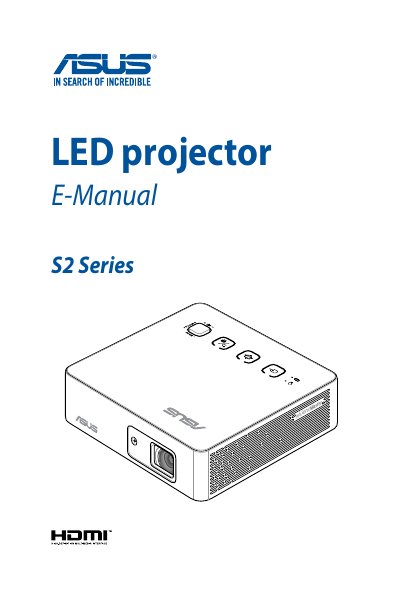

ASUS S2 Series LED Projector User Manual - cover page
Brand
ASUS
Category
Projector
Document type
User Manual
Language
English
Pages
56
File format
PDF
File size
4.4 MB
Published
18 November, 2023
Updated
18 November, 2023
MD5 checksum
55BCA3762FF8989E57838C9F4A121DBA

About this manual

This user manual covers the ASUS S2 Series LED projector, detailing its features, physical layout, and remote control usage. It guides users through the initial setup process, including connecting power and devices, adjusting height, and focusing the image. The manual also explains how to navigate the onscreen display menu for settings adjustments.

What's inside

  • About this manual
  • Safety precautions
  • Caring for your LED projector
  • Knowing your LED projector
  • LED projector remote control
  • Setting up
  • Using the onscreen display menu
  • Specifications

Specifications

Product TypeLED projector
SeriesS2 Series

Frequently asked questions

Where can I find multi-language versions of this manual?

You can download other language versions of this E-Manual via the ASUS support website.

What should I do if the lens is cool before cleaning it?

Gently wipe the lens using a lens cleaning paper and do not touch it with your hands.

Download PDF (4.4 MB)

More ASUS Manuals


View all ASUS manuals →