
Panasonic WV-S6130H Network Camera User Manual Installation Guide introduces the installation steps and precautions of the product.
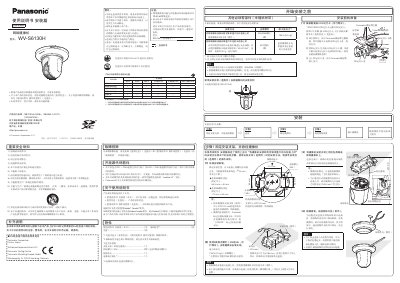
This Panasonic WV-S6130H network camera installation guide covers safety precautions, mounting bracket installation, camera hanging, SD card insertion, and network configuration steps. It also describes ceiling installation using the optional WV-Q105A bracket and required reinforcement.
The guide lists accessories, installation screw requirements, pull-out force, and references troubleshooting and other supplied manuals. This manual is written in Chinese.
| Supported memory cards | SDXC/SDHC/SD memory cards |
|---|---|
| Minimum screw pull-out force | 196 N (20 kgf) per screw |
| Safe use altitude | Below 2000 m |
SDXC, SDHC, and SD memory cards are supported.
Insert an SD memory card if needed before mounting the camera.
The camera is for safe use below 2000 m altitude.