
ZTE Blade G Quick Start Guide
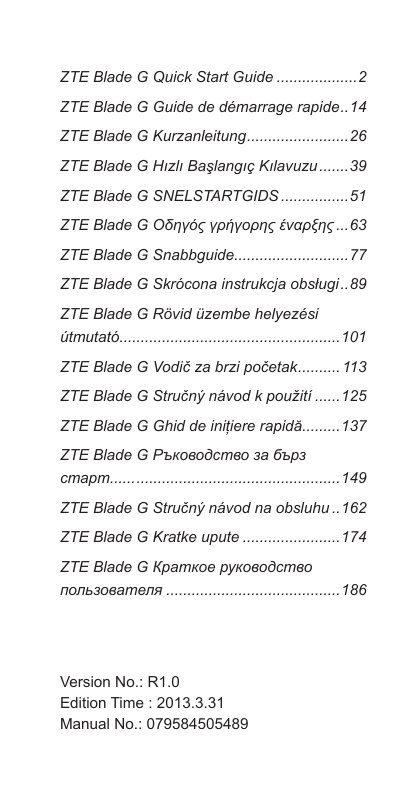
This quick start guide is for the ZTE Blade G mobile phone. It covers safety information, phone controls, SIM and microSD card installation, battery charging, powering on and off, restarting, waking the phone, and touch-screen gestures. The guide also presents the instructions in several other languages and includes an EU declaration of conformity for the ZTE Blade G/Blade G.
| Model number | ZTE Blade G / Blade G |
|---|---|
| Product type | Dual-mode digital mobile phone WCDMA/GSM (GPRS) |
Press and hold the Power Key for about 8 seconds.
Press the Power Key to turn the screen on, then touch and hold at the center of the screen.
Connect the adapter to the charger jack, connect the charger to a standard AC wall outlet, and disconnect it when the battery is fully charged.
Remove the back cover, install the SIM card, and install the optional microSD card.