
The CX-One / CX-Programmer CD-ROM contains the user manual in PDF format.
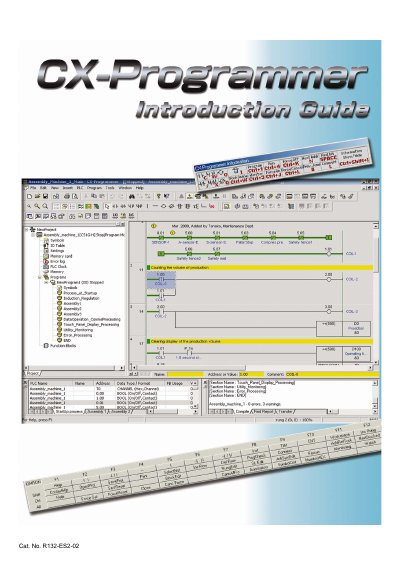
This manual describes installation and basic operation of Omron CX-Programmer, part of CX-One. It covers hardware requirements, supported PLC types, installation steps, opening a new project, device type settings, the main window, and program creation.
It also describes online operation, program error checking, monitoring, forced on/off, search functions, online editing, and an appendix. The PDF manual requires Acrobat Reader 4.0 or later. This manual is written in Spanish.
| Operating systems | Windows 95/98/NT 4.0 SP6a, Windows 2000 SP2 or later, Me, XP |
|---|---|
| CPU | Pentium 150 MHz or higher depending on OS |
| Memory (RAM) | 64 MB minimum (96 MB minimum with CX-Simulator) |
| Hard disk space | 550 MB minimum free space |
| Display | 800 x 600 SVGA or higher |
| Communications port | One RS-232C port minimum |
Acrobat Reader 4.0 or a later version is required.
Installation takes 5 to 20 minutes depending on the PC.
An 800 x 600 SVGA or higher display is required.
It supports CS1, CJ1, CP1, C-series, CV-series, CPM, CQM, and other listed PLC types.