
The OMRON MC-720 is a non-contact infrared thermometer that can quickly and accurately measure forehead temperature. It features:
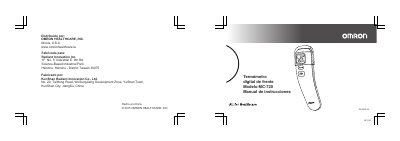
This instruction manual is for the OMRON MC-720 digital forehead thermometer, distributed by OMRON HEALTHCARE, INC. It provides safe, fast forehead temperature readings equivalent to oral temperature and removes glass breakage and mercury poisoning risks.
It covers safety information, a product overview, preparation steps such as battery tab removal and °C/°F switching, taking readings, memory use, troubleshooting and error icons, maintenance, battery replacement, technical specifications, limited warranty, and manufacturer information. This manual is written in Spanish.
While the room temperature is displayed, press and hold START, then press and hold ON/MEM until °F appears with two beeps.
Press and hold ON/MEM for 3 seconds until the icon flashes, then release it to deactivate vibration mode.
Hi appears above 42.2 °C (108.0 °F) and Lo appears below 34.0 °C (93.2 °F).
Keep the sensor 1 to 3 cm from the center of the forehead.