
OMRON NS12 Programmable Terminal User Manual

The NS12 Programmable Terminal is a high-performance, multi-function terminal that is suitable for a variety of industrial applications. Its features include:
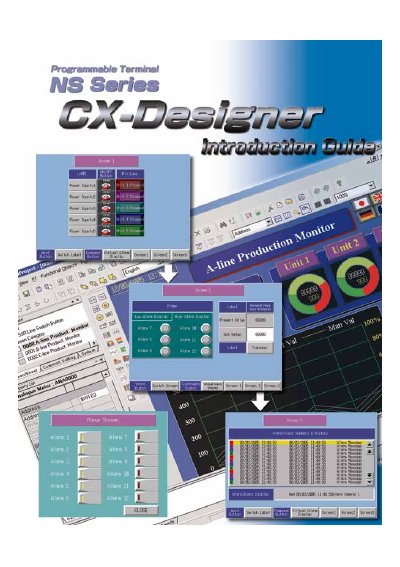

OMRON NS12 Programmable Terminal User Manual - cover page
Brand
Omron
Category
panel
Document type
User Manual
Language
English
Pages
99
File format
PDF
File size
7 MB
Published
17 November, 2023
Updated
17 November, 2023
MD5 checksum
9EEAAC83EBE0FB9B29C3A545F3608C34

About this manual

This manual explains how to use the OMRON NS12 programmable terminal with CX-Designer, from preparations and project settings to creating screens and transferring project data. It includes an operation flow, sample screens, and notes on required equipment and communication settings.

The documented workflow covers creating a new project, setting project and system properties, creating and testing screens, and transferring project data to NS hardware by serial cable (RS232C) or memory card.

What's inside

  • Operation Flow
  • Preparations and settings
  • Starting up the CX-Designer
  • Creating a new project
  • Setting project properties
  • Communications settings
  • System settings
  • Screen properties
  • Transferring project data
  • Test function

Frequently asked questions

What software is used to create screen data for the NS12?

CX-Designer is used to create screen data.

How can project data be transferred to NS hardware?

Project data can be transferred via serial cable (RS232C) or using a memory card.

What languages are used for the sample screen labels?

The sample screens display labels in English and Dutch.

Which PLC series are used in the sample configuration?

The sample configuration uses CS Series and CJ Series PLCs.

Download PDF (7 MB)

More Omron Manuals


View all Omron manuals →