
This product is a network camera with model number WV-SF448/WV-SF448E.
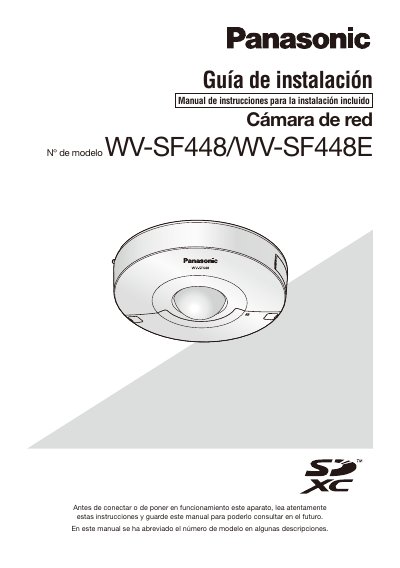
This document is the installation guide for the Panasonic WV-SF448 and WV-SF448E network cameras. It provides safety instructions, liability limitations, warranty disclaimer, and an overview of the camera's main features such as 360-degree monitoring with a fisheye lens, triple H.264/JPEG encoding, VIQS, SD card recording, Super Dynamic, and Privacy Mode.
The guide details system requirements for a PC, precautions for installation, main controls, preparations, SD card insertion/removal, connection procedures, physical installation steps, network configuration, troubleshooting, specifications, and standard/optional accessories. The full instruction manual is included on the supplied CD-ROM and requires Adobe Reader. This manual is written in Spanish.
The PC should have an Intel Core 2 Duo 2.4 GHz or higher CPU, at least 512 MB RAM (1 GB for Windows 8/7/Vista), a 10BASE-T/100BASE-TX network port, a sound card for audio, a monitor with 1024x768 resolution and 24-bit color, and a compatible Windows OS with Internet Explorer 7-10 (32-bit).
The guide covers both the WV-SF448 (model P) and WV-SF448E (model E) network cameras.
The full instruction manual is included on the supplied CD-ROM and requires Adobe Reader to view.