
This product is a digital wireless stereo in-ear headphone, model RZ-S500W RZ-S300W. It has the following features:
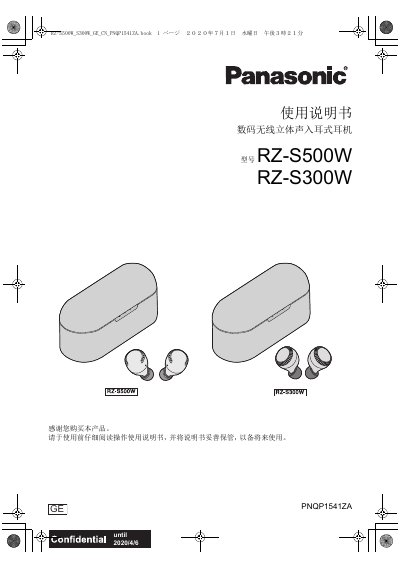
This manual provides instructions for the Panasonic RZ-S500W and RZ-S300W digital wireless stereo in-ear earphones. It covers safety precautions, Bluetooth® information, accessories, wearing instructions, part names, charging, power on/off, app usage, Bluetooth pairing, music playback, phone calls, ambient sound control, touch sensor operations, factory reset, troubleshooting, and specifications.
The earphones feature IPX4 water resistance, a maximum Bluetooth range of 10 meters, and touch sensors for control. The RZ-S500W model includes noise cancellation. The charging case is not water resistant. The manual also explains how to maintain battery performance and dispose of the product. This manual is written in Chinese.
| Bluetooth frequency band | 2.4 GHz |
|---|---|
| Maximum Bluetooth range | 10 meters |
| Water resistance | IPX4 |
| Noise cancellation | RZ-S500W only |
| Charging method | USB charging cable (included) for earphones and charging case |
The maximum Bluetooth range is 10 meters, but it may be reduced by obstacles or interference.
The earphones have IPX4 water resistance, meaning they can withstand splashing water from any direction for 10 minutes.
Put the earphones in pairing mode (LEDs flash blue and red alternately), then select them from the Bluetooth device list on your phone or computer.