
Carlo Gavazzi Ltd.'s NRGC-MBTCP controller is an NRG controller equipped with a Modbus TCP communication interface. It can bridge field-level devices to the control level to allow real-time data exchange with NRG solid state relays.
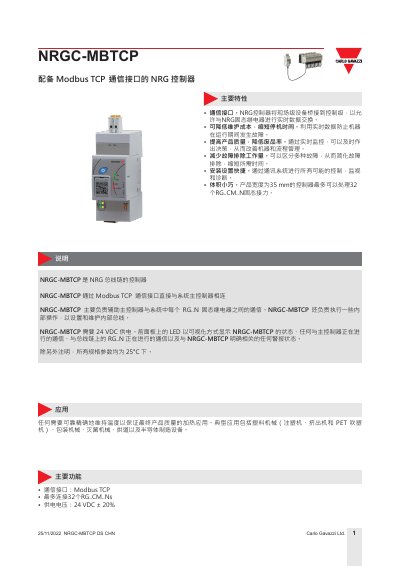
The Carlo Gavazzi NRGC-MBTCP is an NRG controller equipped with a Modbus TCP communication interface. It is designed to bridge field-level devices to the control level, enabling real-time data exchange with NRG solid-state relays. This controller helps reduce maintenance costs, minimize downtime, and improve product quality by facilitating real-time monitoring and simplified troubleshooting in heating applications such as plastic machinery and sterilization equipment.
The device supports a maximum of 32 RG..CM..N solid-state relays per bus chain and operates on a 24 VDC power supply. It features an internal bus for communication with relays and includes LED indicators for status, communication, and alarms. The controller supports automatic addressing and various communication protocols, making it suitable for integration with PLCs and other system controllers. This manual is written in Chinese.
| Communication Interface | Modbus TCP |
|---|---|
| Power Supply Voltage | 24 VDC ± 20% |
| Dimensions | 2-DIN |
| Weight | 142 g |
| Protection Rating | IP20 |
| Default IP Address | 192.168.1.[MAC last byte] |
| Default Subnet Mask | 255.255.255.0 |
The device requires a 24 VDC power supply with a tolerance of ± 20%.
Automatic addressing is performed by holding the push button while powering on the device.