
The manual of ASUS Internet radio introduces the features and functions of the product.
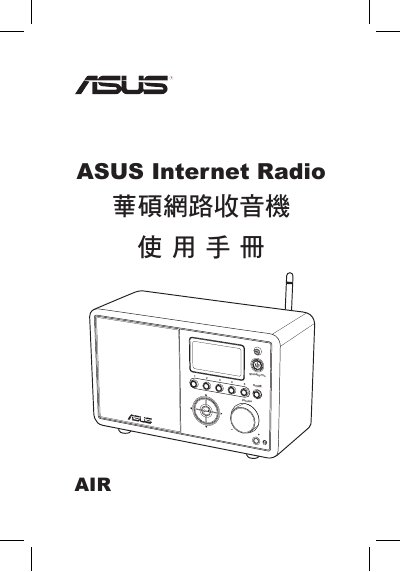
This Traditional Chinese user manual for the ASUS Internet Radio explains initial setup, the front and rear panel controls, remote control use, language selection, and wired or wireless network connection. It then describes searching for and listening to radio stations, adding and managing favorites, and using settings for the clock, alarm, language, backlight, sleep timer, buffer, firmware update, and factory reset.
The manual also includes a specifications list covering wireless 802.11b/g and wired 10/100M connections, WEP/WPA/WPA2 encryption, MP3/WMA playback, a 128 x 64 FSTN display, a 5 W / 4 ohm speaker, the DC 6 V / 2 A power adapter, dimensions, and troubleshooting answers. This manual is written in Chinese.
| Wireless LAN support | 802.11b/g |
|---|---|
| Wired LAN support | 10/100M |
| Network encryption | 64/128-bit WEP/WPA/WPA2 |
| Supported audio formats | MP3/WMA, 16 Kbps to 320 Kbps |
| Signal-to-noise ratio (headphone) | >90 dB |
| Display | 128 x 64 FSTN, blue background with white characters |
| Power adapter | Input AC 100-240 V (50-60 Hz); output DC 6 V / 2 A |
| Dimensions | 250 (L) x 128 (W) x 190 (H) mm |
| Recommended connection bandwidth | At least 1 Mbps |
The mute function may be on or the volume may be too low; check mute and turn it off or increase the volume. If using external speakers, check that their power is on.
The alarm will not sound while the device is connected to a station for listening.
Turn the device off using the power switch on the rear panel, then turn it on again with that switch.
Internet station addresses may change, and updating provides the latest Internet station list.